What Is a Nofollow Link? Definition, SEO Value, and How to Use It
A nofollow link tells search engines not to pass ranking credit to the page it points to. You create one by adding the rel=”nofollow” attribute to a standard HTML link. By default, links are followed, so applying it is a deliberate choice. Site owners use it for paid, untrusted, or user-submitted links. Google’s treatment of this attribute changed in 2019, which affects how much these links matter for SEO today.
What Is a Nofollow Link?
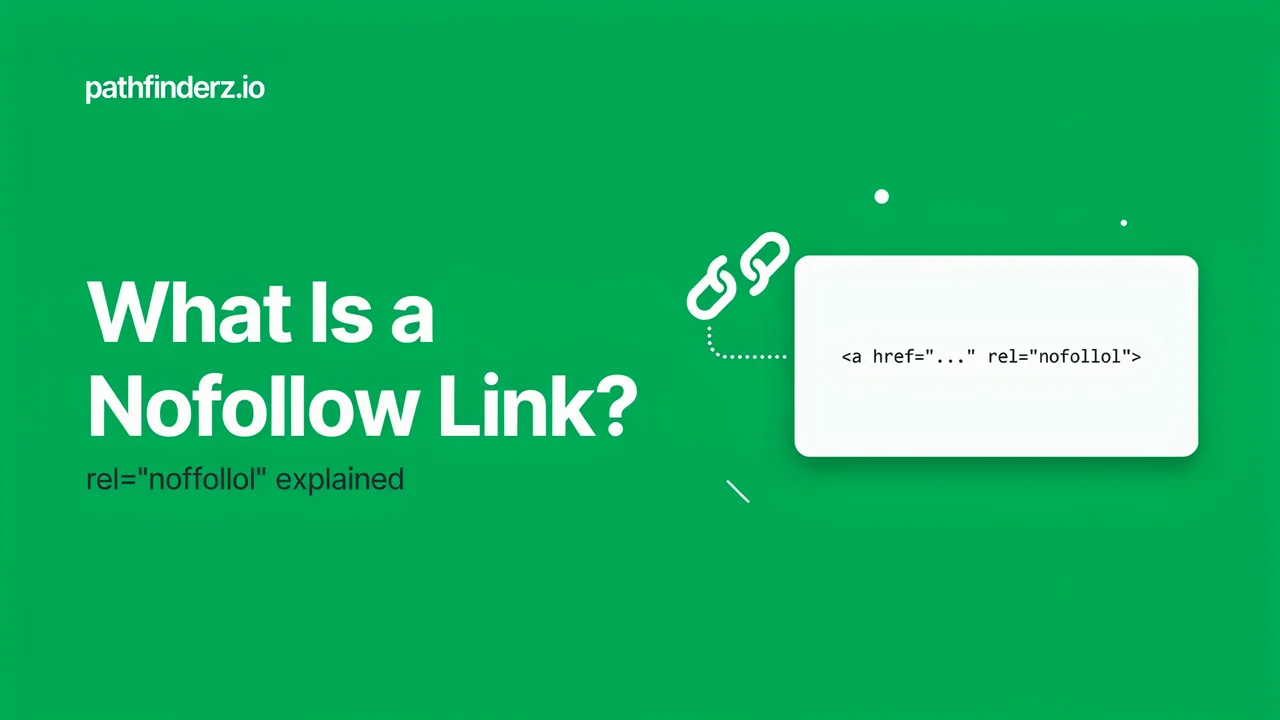
A nofollow link is a normal hyperlink with one extra instruction. That instruction lives in the rel attribute of the anchor tag. It signals that you do not vouch for the linked page. In plain terms, the nofollow link meaning is simple. You ask search engines not to pass ranking credit, often called PageRank, link equity, or link juice. Here is what the markup looks like:
html
<a href="https://example.com" rel="nofollow">Example</a>Without the attribute, a link is “dofollow” by default. Dofollow is not real HTML, just an SEO term for a normal link. Google introduced rel=”nofollow” back in 2005 to fight comment spam and devalue paid links. The idea was simple. Publishers could link out without endorsing the destination.
Dofollow vs Nofollow Links
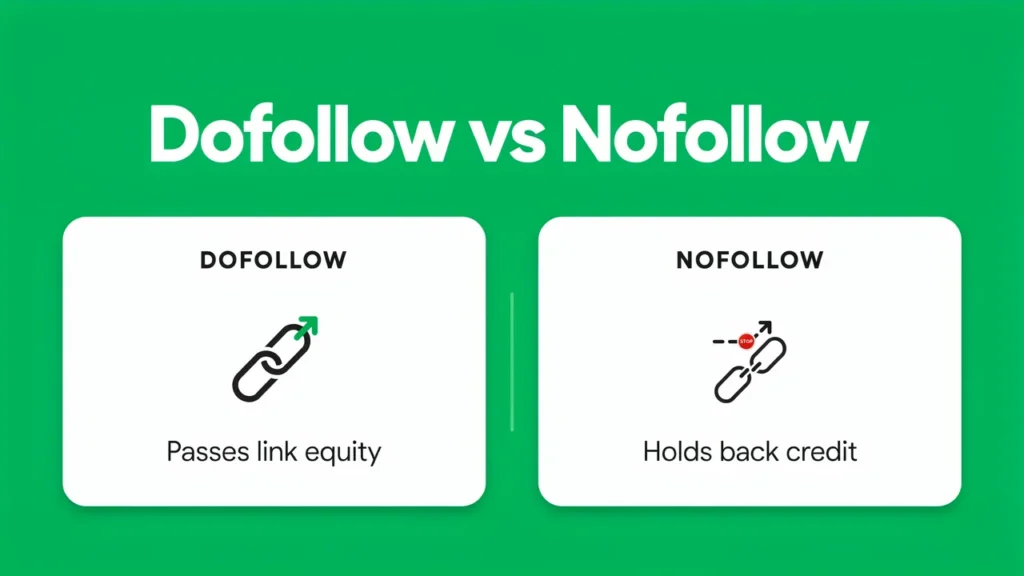
The difference between the two comes down to one attribute. A dofollow link passes signals that can help a page rank. A nofollow link asks Google to hold back that credit. Both look identical to a human visitor. The distinction only exists in the code and in how search engines read it. These are two of the main types of backlinks you will manage.
| Feature | Dofollow link | Nofollow link |
|---|---|---|
| rel attribute | None | rel=”nofollow” |
| Passes ranking signals | Yes | Treated as a hint, usually not |
| Default state | Yes | No, added manually |
| Visible to readers | Same | Same |
| Common use | Editorial citations | Paid, untrusted, or user links |
How Nofollow Links Affect SEO
For years, the attribute worked as a strict directive. Google would not follow the link and would not use it for ranking. That changed on September 10, 2019. Google announced it would treat the attribute as a hint instead of a rule.
Under the current model, Google decides case by case. It may consider a nofollowed link for ranking if it sees fit. The ranking hint took effect right away in September 2019. For crawling and indexing, the hint change started on March 1, 2020.
This matters for anyone doing SEO. A nofollowed link no longer guarantees zero ranking impact. Even so, most of these links pass little or no direct authority. They stay valuable for other reasons. They drive referral traffic, build brand visibility, and keep a link profile natural.
The Three Link Attributes: nofollow, sponsored, and ugc
Google now supports three rel values for outbound links. Each one describes a different relationship. You can also combine them on a single link.
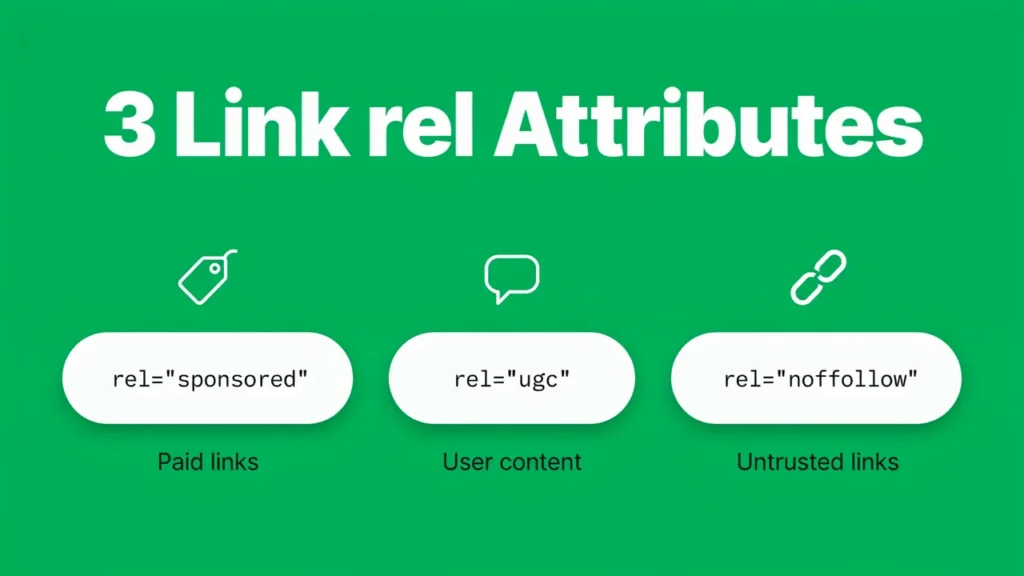
| Attribute | Use it for | Example |
|---|---|---|
| rel=”sponsored” | Paid links, ads, affiliate links | Sponsored placements |
| rel=”ugc” | User-generated content | Blog comments, forum posts |
| rel=”nofollow” | Any link you do not want to endorse | Untrusted sources |
Google states that sponsored is now preferred for paid links. The nofollow value is still accepted for them, but sponsored is clearer. You can list multiple values with a space or a comma. For example, rel=”ugc nofollow” works for an untrusted comment link.
Nofollow Link HTML Code
The nofollow link HTML code sits inside the anchor tag. You place the rel value after the href. The pattern stays the same across every use case:
html
<a href="https://example.com" rel="nofollow">Anchor text</a>You can swap or combine the rel value based on the link type:
html
<a href="https://example.com" rel="sponsored">Paid link</a>
<a href="https://example.com" rel="ugc">Comment link</a>
<a href="https://example.com" rel="ugc nofollow">Untrusted user link</a>
The anchor text and href never change. Only the rel value controls how search engines read the link.
How to Make a Link Nofollow
Adding the attribute takes seconds. The method depends on how you build your pages. Below are the most common ways to create a nofollow link.
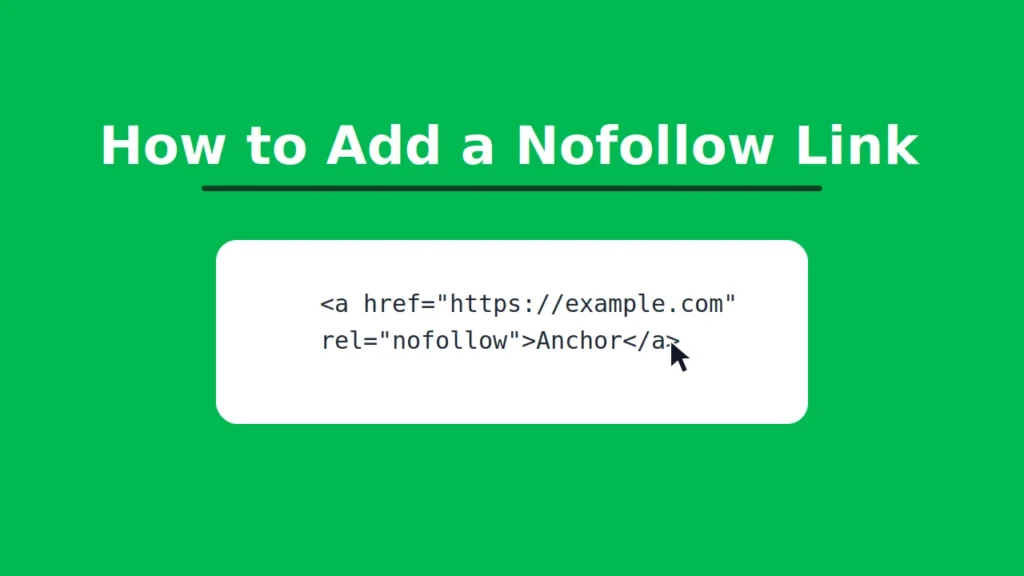
Add it manually in HTML
Edit the anchor tag and insert the rel attribute:
html
<a href="https://example.com" rel="nofollow">Anchor text</a>Set it in WordPress
The block editor has a built-in option. Select your link, open the link settings, and toggle the nofollow switch. Some themes place this under advanced link options.
Use a plugin
Plugins like Rank Math or Yoast let you mark links as nofollow, sponsored, or ugc. This helps when you manage many outbound links across a site.
Apply nofollow to a whole page
To nofollow every link on a page, use the robots meta tag:
html
<meta name="robots" content="nofollow">This tells search engines not to follow any link on that page.
How to Check If a Link Is Nofollow
To tell if a link is nofollow, you can inspect it in a few seconds. Right-click the link and choose Inspect. Look at the anchor tag in the code. If you see rel=”nofollow”, rel=”sponsored”, or rel=”ugc”, the link does not pass standard credit. No rel attribute means the link is dofollow.
Browser extensions can also highlight nofollowed links on a page. They save time when you audit many links at once. Keep in mind that a single check shows the attribute, not whether the linked page is indexed.
When Should You Use Nofollow Links?
Use the attribute when you do not want to endorse a destination. Common cases include:
- Paid or affiliate links, though rel=”sponsored” is now preferred
- Links inside blog comments or forum posts, where rel=”ugc” fits
- Links to untrusted or spammy sources you cannot fully verify
- Links you are required to disclose as sponsored
You do not need nofollow on every external link. Editorial links to trusted sources can stay dofollow. Linking out to quality sites is normal and safe.
Common Nofollow Link Mistakes
Several habits weaken a link strategy. Watch for these errors:
- Marking every outbound link as nofollow out of fear, which wastes natural link equity
- Using nofollow for paid links when sponsored is the correct signal
- Assuming these links have zero value, when they still drive traffic and referrals
- Forgetting to disclose paid links, which can breach Google’s spam policies
A healthy profile mixes both link types. Both belong in natural, well-planned link building.
Frequently Asked Questions
Do nofollow links help SEO?
They rarely pass direct ranking authority. They still support SEO through referral traffic and a balanced link profile.
Are nofollow links bad?
No. They serve a clear purpose and keep your linking honest. Every strong site has both types.
Is a nofollow link the same as a sponsored link?
Not exactly. Sponsored is a separate rel value for paid links. Nofollow is a broader catch-all value.
Can Google still crawl a nofollowed page?
Yes. Since the hint change, Google may crawl or index that page if it chooses to.
How do you check many links at once?
A nofollow link checker tool scans a page and flags each link’s rel value. This is faster than inspecting links one by one.
Conclusion
A nofollow link is a simple tool with an important role. It tells search engines when to hold back ranking credit. Since 2019, Google treats it as a hint, not a strict rule. That makes context more important than before. Use nofollow, sponsored, and ugc where each one fits, and keep the rest of your links natural. Handled well, nofollow links protect your site and keep your link profile clean.